NSNP Tender Tool video case study
A software ad and a step-by-step product film, made together so both tell the same story in the same style.
- CHARGEO
- Sbaya Mobile
- NSNP Tender Tool
- G-Class Solutions
- New Age Global
- RMI Auto App
The job: sell the tool, then show it working
NSNP Tender Tool is software, and software is hard to film because the product lives on a screen. The work needed two films: a 30-second ad short enough for a social feed, and a 60-second film that walks a buyer through the tool step by step.
The ad
Thirty seconds to make one point. Kinetic numbers, the tool's interface and flying documents carry the message. Video ads and promotional videos.
The product film
Sixty seconds that show how the tool is used, one step at a time, on tilted 3D screens. This is the film a buyer watches once they are interested. Explainer video production.
Two frame shapes
The ad was made in 16:9 for YouTube and websites and in 9:16 for Reels, TikTok and WhatsApp Status. Both are 60 frames a second, so motion on screen stays smooth. App and software walkthrough videos.
The ad: 30 seconds of kinetic numbers and UI
The ad uses motion graphics instead of a camera. Numbers move on screen, the tool's own screens slide in, and documents fly across the frame.
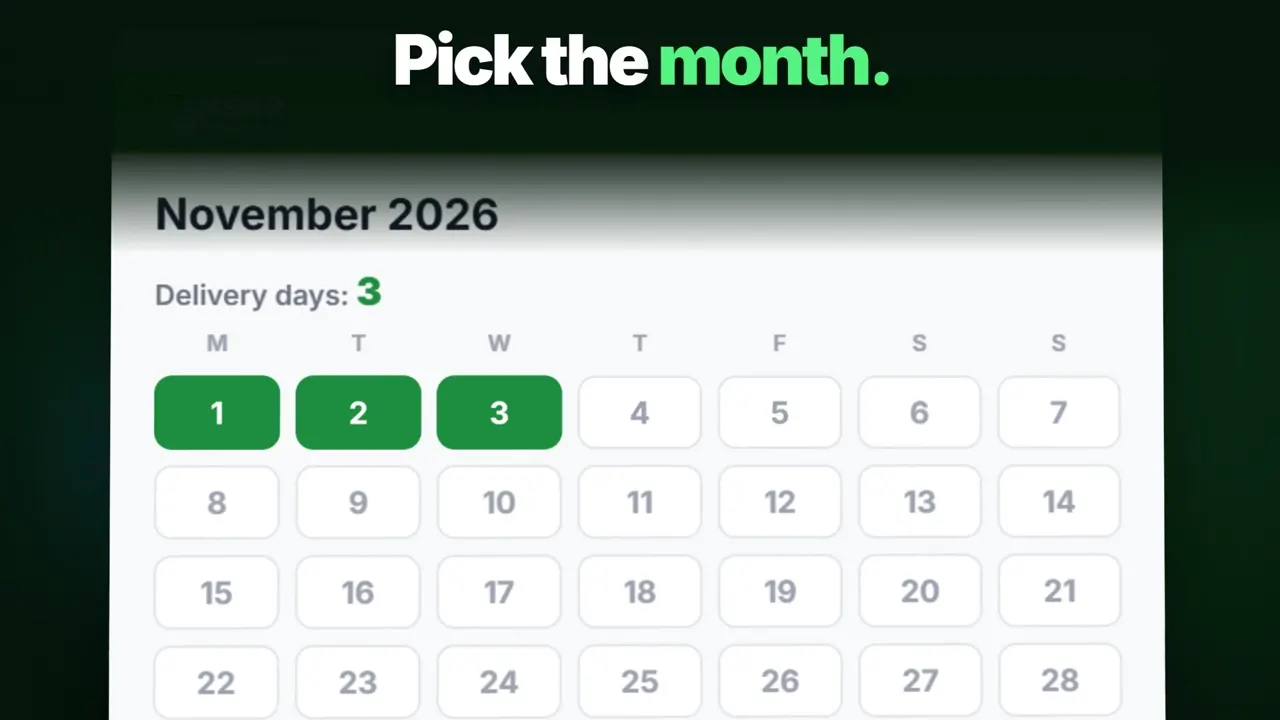
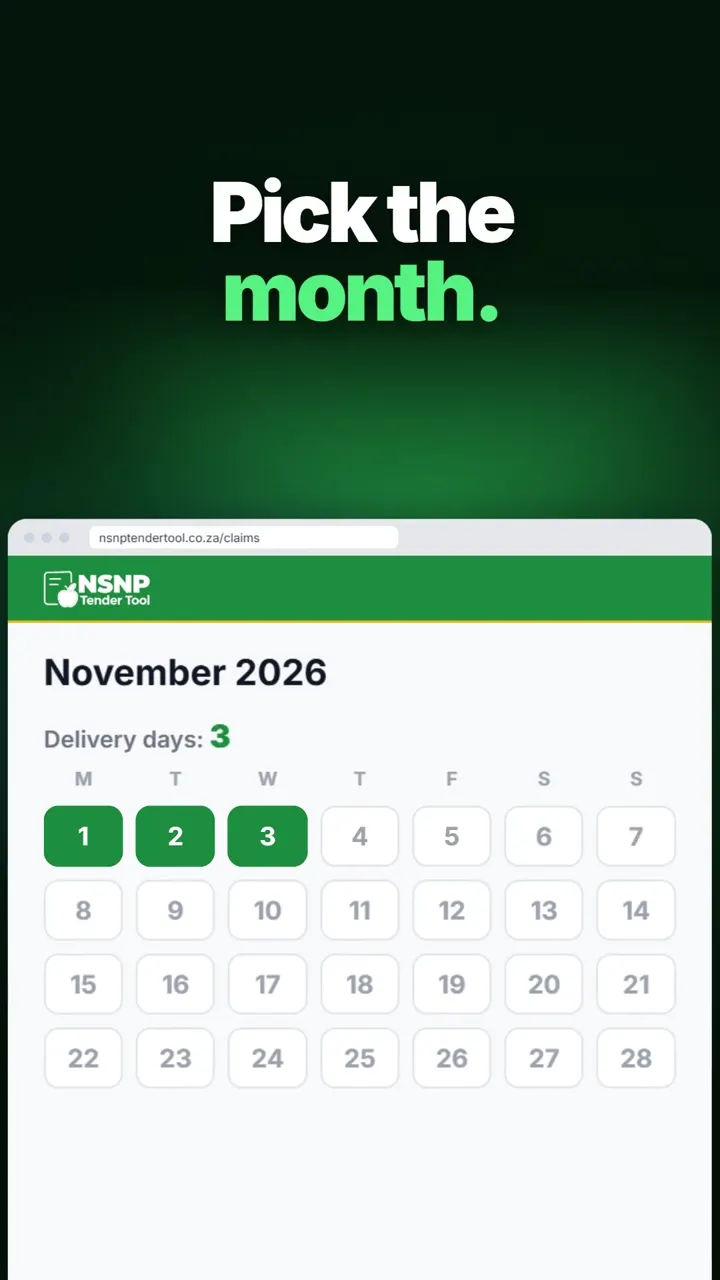
NSNP Tender Tool 30-second ad in 16:9 (1920 x 1080) and 9:16 (1080 x 1920), both at 60 frames a second.
- Kinetic numbers
- Figures that animate on screen. For a tender tool, the numbers carry the message.
- The tool's interface
- The ad shows the tool's own screens, so a buyer who clicks through recognises what they see.
- Flying documents
- Pages that move across the frame say "paperwork" to anyone who has prepared a tender, before a word is read.
- A 9:16 master
- The vertical ad is its own 1080 x 1920 file at 60 frames a second, made for an upright phone screen.
Same ad, two frames: 16:9 and 9:16 side by side
Both versions run 30 seconds and say the same thing. Only the canvas changes, and that changes where every element sits.
Every once-off project we make includes 16:9 and 9:16 versions. If you also want a square version, it is R750 per video excl. VAT. Every package and add-on is on our price list. Motion graphics prices.
The product film: step by step on 3D screens
The 60-second film slows down. Each step of using the tool appears on a screen tilted in 3D space, so the viewer sees the real interface with depth and movement instead of a flat screen recording.
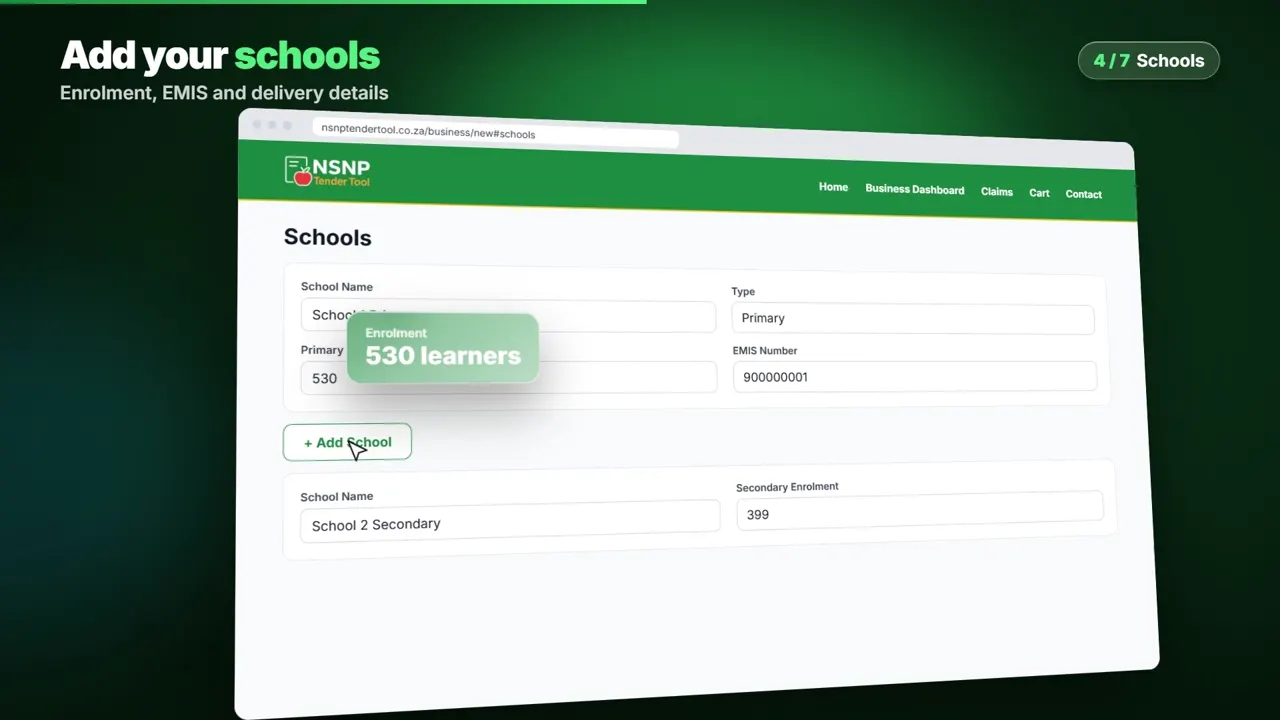
NSNP Tender Tool 60-second product film (1:00, 1920 x 1080, 60 fps), shown with the 16:9 ad it was made alongside.
- Script the steps
We write the order a new user follows, one step per beat, and you approve it before design.
- Capture the screens
We record the real interface of your software or website at full resolution.
- Place them in 3D
Each screen is set on a tilted plane so the camera can move across it.
- Add type and captions
Short on-screen labels name each step, and captions carry the message with the sound off.
- Deliver the masters
Final MP4 files in 16:9 and 9:16, ready to post or embed.
Price it: the ad and explainer package
An ad plus a product film is our Ad and explainer package: R18,950 excl. VAT, about 4 weeks, both videos made together. Bought separately the same pair costs R20,900, so the package saves R1,950.
- Subtotal excl. VAT
- R18,950
- VAT at 15%
- R2,842
- Total incl. VAT
- R21,792
- Per video excl. VAT
- R18,950
- 75% deposit to start
- R16,344
Add your name so the invoice is made out to you.
The estimate is free to keep and compare. The pro forma invoice carries our banking details and a payment reference. Your details stay in your browser until you send us a brief.
Prices excl. VAT, from our published price list. Once-off projects: 75% deposit to start, balance on delivery. Monthly plans: paid upfront, month to month, extra videos R2,875 each. Logo animation, second-language voice-over and rush prices are new in November 2026.
- Promo ad, up to 30 sR6,950
- Product or app explainer, up to 60 sR13,950
The timeline: what happens after you brief us
Script approval is the gate. Nothing is designed until you have signed off the words, which is what keeps revisions short.
- Written quote
You get a free script review and a written quote after a complete brief.
- Scripts
A 75% deposit starts the job. We write both scripts for your approval.
- Storyboard
You see the look of each scene before animation begins.
- Both films together
The ad and the product film share the same screens and brand style, so we build them side by side.
- Your changes
You review each film and we make two rounds of changes.
- Delivery
MP4 files in 16:9 and 9:16. The balance is paid on delivery.
Using the films: where to post each version
Each film has a different job. Put the short one where people scroll and the long one where people decide.
| Version | Best place for it | Why |
|---|---|---|
| 30 s ad, 9:16 | Reels, TikTok, WhatsApp Status | Fills an upright phone screen |
| 30 s ad, 16:9 | YouTube ads, website banner video | Fits a wide player |
| 60 s film, 16:9 | Product page, sales demos, email links | Shows how the tool works before a call |
| Still frames | Posts and slides | Any frame of the film can be exported as an image |
Not sure which version you need first? Tell us in the brief form below and we will say, with a free script review. Every package is on our price list. Motion graphics prices.
Your software: what to brief us with
If you sell software or an online tool, send us these and we will tell you whether you need an ad, a product film or both.
- A login or a screen recording of your tool, so we can capture the real interface.
- The one problem your tool solves, in a sentence.
- The steps a new user follows the first time, in order.
- Your logo, colours and fonts, set up once for every video we make you.
- Where the ad will run and when you want it live.
Longer onboarding and training films for software are a separate service with chapters and shorts. App and software walkthrough videos.
To see every kind of film we make, with prices and our full film wall, start at our motion graphics page. Motion graphics in South Africa.
Send us your brief. Free script review and a written quote within 24 hours.
Tell us what you sell, who it is for and where the video will run. A person on our team reads every brief and replies on WhatsApp or email.
- You send the briefTwo minutes, no file needed.
- We review your script ideaFree, written, with what we would change.
- You get a written quoteWithin 24 hours of a complete brief.
Questions about software ad and product films
What videos did Imbilla Digital Agency make for NSNP Tender Tool?
We made a 30-second ad in two frame shapes, 16:9 at 1920 x 1080 and 9:16 at 1080 x 1920, and a 60-second product film that shows the tool step by step on tilted 3D screens. All three master files are 60 frames a second.
How do you make a video ad for software without filming?
We use motion graphics. We capture the real screens of your software, then animate them with numbers, type, icons and music. No camera, studio or actors are needed, and the product on screen is your actual interface.
What are kinetic numbers in a video?
Kinetic numbers are figures that animate on screen: they count up, slide in or change size in time with the music. They work well for products where a number is the selling point, such as a price, a saving or a deadline.
Should a software company make an ad or an explainer first?
If people do not know your tool yet, start with the ad, because it gets attention in a feed. If people already ask how it works, start with the explainer. Making both together costs R18,950 excl. VAT instead of R20,900 separately.
How long should a software explainer video be?
Keep it to the steps a new user needs. Sixty seconds covers a short product tour, which is what the NSNP film does. Onboarding and training need more time: our extended explainer runs up to 2 minutes for R22,950 excl. VAT.
How long does an ad and explainer take to make?
About 4 weeks from a 75% deposit, with script approval and a storyboard before animation and two revision rounds before delivery. A promo ad on its own takes about 2 weeks, and an explainer on its own about 3 weeks.
Why make the same ad in 16:9 and 9:16?
Wide 16:9 suits YouTube and websites. Tall 9:16 fills an upright phone on Reels, TikTok and WhatsApp Status. We lay each version out for its own frame, so text and screens are never cut off. Both shapes come with every once-off project.
What is a 3D screen effect in a product video?
It places a flat screen recording on a tilted surface in 3D space, so the camera can glide across it and zoom into the part that matters. The viewer still sees the real interface, with more depth and movement than a plain recording.
Can I see results from the NSNP films?
We do not publish client sales, views or sign-up numbers, so this case study shows the films and how they were made. Watch each film on this page and judge the work for yourself, then send us a brief for your own tool.