G-Class Solutions walkthrough videos
Training films that show an owner and a back office team how their own system works, screen by screen.
- CHARGEO
- Sbaya Mobile
- NSNP Tender Tool
- G-Class Solutions
- New Age Global
- RMI Auto App
The job: teach two audiences one system
G-Class Solutions has a business system with two sides: an owner console for the person running the business and a back office for the team doing the daily work. Each side needed its own film, because an owner and a staff member open different screens and ask different questions.
Owner console film
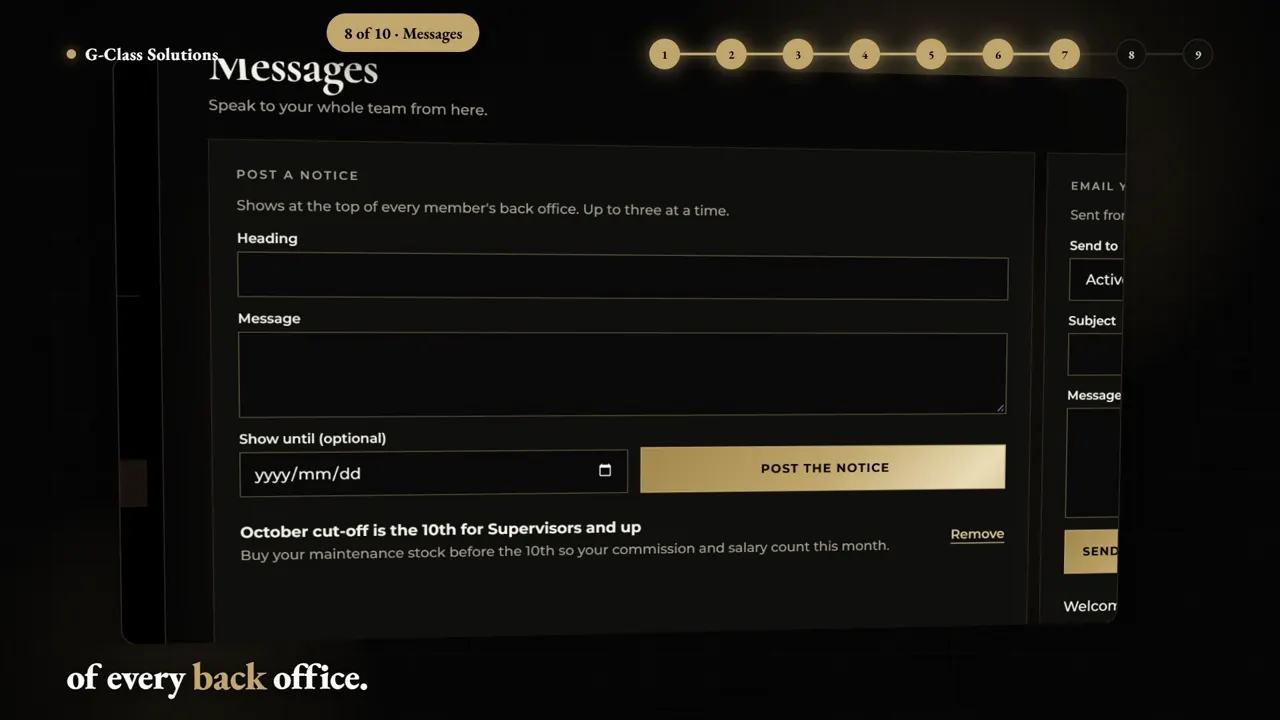
Four minutes on the screens an owner uses to see the business. It answers what each part of the console is for and where to find it. App and software walkthrough videos.
Back office film
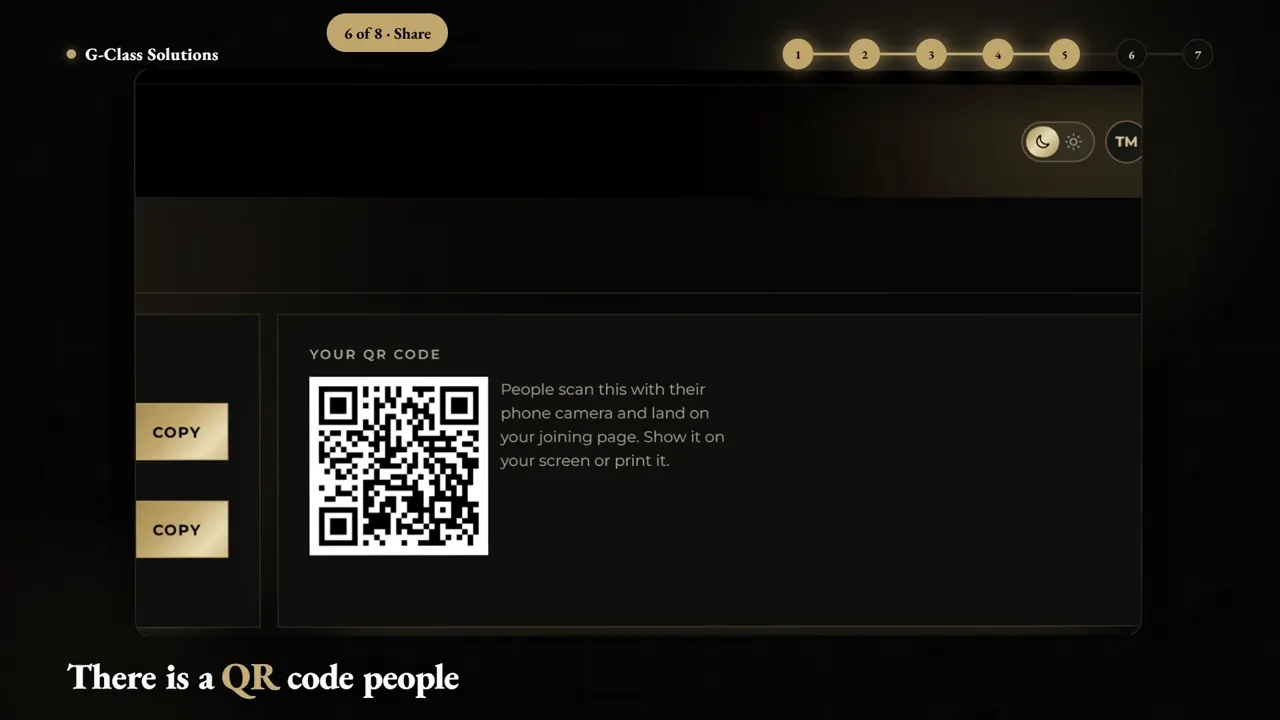
Two minutes 37 on the screens the team works in every day. A new staff member can watch it before their first shift on the system. Training video production.
Build story and shorts
A 2:45 film on how the system was built, plus 7 shorts. It suits people who never log in to the system. Brand films and corporate video.
The walkthroughs: owner console and back office
A walkthrough records the real system on screen. Each film moves through the screens in the order a person uses them, so the film matches what the viewer sees when they log in.
 4:01
 2:37
G-Class Solutions owner console walkthrough (4:01) and back office walkthrough (2:37), both 1920 x 1080.
- One film per role
- The owner skips the back office steps, and the team skips the owner reports. Each person watches only the screens they use.
- Real screens
- Every step shows the system itself, never a drawing of it, so nothing in the film looks unfamiliar on the first login.
- Screen order
- The film follows the order a person clicks through on a normal day, so it doubles as a checklist.
Length: how long each film runs
The number of screens sets the length. The chart sets each G-Class film against our extended explainer, which covers up to 2 minutes at a fixed price.
All three G-Class films run past 2 minutes. Walkthroughs longer than our extended explainer are quoted on your brief, so list the screens and roles you want covered. Our walkthrough service page sets out how we plan them. App and software walkthrough videos.
Price it: start with the extended explainer
Our extended explainer is R22,950 excl. VAT for up to 2 minutes, about 4 weeks, built for onboarding, training and detailed walkthroughs. Use it as your starting number; a longer or multi-film set is quoted on the brief.
- Subtotal excl. VAT
- R22,950
- VAT at 15%
- R3,442
- Total incl. VAT
- R26,392
- Per video excl. VAT
- R22,950
- 75% deposit to start
- R19,794
Add your name so the invoice is made out to you.
The estimate is free to keep and compare. The pro forma invoice carries our banking details and a payment reference. Your details stay in your browser until you send us a brief.
Prices excl. VAT, from our published price list. Once-off projects: 75% deposit to start, balance on delivery. Monthly plans: paid upfront, month to month, extra videos R2,875 each. Logo animation, second-language voice-over and rush prices are new in November 2026.
Every project includes the script, a storyboard for approval, screen capture of your app or site, voice-over, licensed music, captions, 16:9 and 9:16 versions and two revision rounds. Motion graphics prices.
The build story: one film, seven shorts
Walkthroughs teach people who already use the system. The build story is for everyone else. It tells how the G-Class system was built, and 7 shorts go with it.
 2:464:01
G-Class Solutions build story (2:45, 1920 x 1080), made with 7 shorts, shown with the owner console walkthrough.
- Walkthroughs2
- Build story1
- Shorts7
How we build it: a walkthrough in five steps
A training film is only as clear as its script. We write the steps first, check them against the live system, and record only once you approve the words.
- Split by role
We list who uses the system and which screens each person opens.
- Script each film
One script per role, in the order the screens are used. You approve it before recording.
- Capture the system
We record the real screens at full resolution, with test data where live data is private.
- Voice and captions
Voice-over explains each step, and captions carry it for viewers with the sound off.
- Cut the shorts
Long films are delivered in 16:9, with shorts cut for 9:16 where they help.
Want films like these for your own system? Send your screen list in the brief form below for a free script review and a written quote within 24 hours. Package prices are on our price list. Motion graphics prices.
Your system: what to brief us with
If you run a portal, a back office or any custom system, send us these and we will plan the films by role.
- A test login, or a screen recording of each part of the system.
- A list of the people who use it and what each person needs to do.
- The questions new users ask most often, because those become chapters.
- Anything on screen that must stay private, so we use test data instead.
- Where the films will live: an onboarding email, a help page or a staff group.
For a full course or a long series of chapters, see our training video service. Training video production.
To see every kind of film we make, with prices and our full film wall, start at our motion graphics page. Motion graphics in South Africa.
Send us your brief. Free script review and a written quote within 24 hours.
Tell us what you sell, who it is for and where the video will run. A person on our team reads every brief and replies on WhatsApp or email.
- You send the briefTwo minutes, no file needed.
- We review your script ideaFree, written, with what we would change.
- You get a written quoteWithin 24 hours of a complete brief.
Questions about walkthrough and training films
What videos did Imbilla Digital Agency make for G-Class Solutions?
We made an owner console walkthrough (4:01), a back office walkthrough (2:37) and a build story film (2:45) with 7 shorts. The long films are 16:9 at 1920 x 1080. All three long films play on this page.
What is a walkthrough video?
A walkthrough video records the real screens of a system or app and explains them in the order a person uses them. It replaces a live demo or a training session that would otherwise be repeated for every new user.
Why make separate videos for owners and staff?
An owner and a staff member open different screens and need different answers. One film per role keeps each film shorter, and a person only watches the part of the system they actually use. A new staff member can start with the back office film on day one.
How much does a walkthrough video cost?
Our extended explainer covers up to 2 minutes for R22,950 excl. VAT and takes about 4 weeks. Longer walkthroughs, like the 4-minute G-Class owner console film, are quoted on your brief by the number of screens and roles.
How long should a software training video be?
As long as the screens a person needs, and no longer. The G-Class films run between 2 minutes 37 and 4 minutes because each covers one role. If a film runs long, split it into chapters people can jump between, as we did with the 6-minute tour of our own client hub.
Can you film our system if it holds private client data?
Yes. Tell us which screens hold private data and we record those screens on a test account with sample data. Nothing private needs to appear in a training film. Tell us at the brief stage, so the test data is ready before we start recording.
What is a build story video?
A build story tells how a system or product came together. It suits people who will never log in, because it shows the work behind the screens. The G-Class build story runs 2:45 and comes with 7 shorts.
Can you make short clips out of a long walkthrough?
Yes. Each step of a walkthrough can stand alone as a short clip for social media or a help page. The G-Class build story comes with 7 shorts, and we plan short cuts at the script stage so each one makes sense on its own.
Do you publish how the G-Class films performed?
No. We do not publish client results, views or usage figures. This page shows the films themselves and how they were made, so you can judge the work directly. If you want to know how a walkthrough would suit your own system, send us a brief.