App demo and walkthrough videos
We record your real software, script every click and cut one long tour into chapters and short clips your users will watch.
- CHARGEO
- Sbaya Mobile
- NSNP Tender Tool
- G-Class Solutions
- New Age Global
- RMI Auto App
What an app demo video does for software
An app demo video shows a person exactly what your software does by recording the real screens, in order, with a voice explaining each step. A walkthrough goes further: it teaches someone to use the system, screen by screen, so they need less help from your team.
Demo video
Short and aimed at buyers. It shows the problem, the three or four screens that solve it and a call to sign up or book a call. Up to 60 seconds suits a landing page, an app store listing or a pitch. Explainer video production.
Walkthrough video
Longer and aimed at users who already have access. It moves through the system in the order they will use it, names every button and shows what a finished task looks like.
Onboarding series
A walkthrough split into chapters, one per task. New staff or clients watch the chapter they need, when they need it, and skip the rest.
Chaptered tour
One long film with chapter markers, so a viewer on YouTube or in your help centre jumps straight to the part that answers their question.
Shorts from the tour
Short vertical clips cut from the chapters. Each answers one question and sends the viewer back to the full tour or to your sign-up page. Video ads and promotional videos.
Software ad
A 30-second ad built on your real interface, with kinetic numbers and screens in motion. Use it to buy attention before the demo does the explaining.
On every software film we show the real product. Viewers who have seen your actual screens know what to expect when they sign up, and nothing in the film has to be unlearned later.
Watch the walkthroughs we have made
These are full walkthroughs and tours for real systems, made by our team. Press play on any of them: the length, the pacing and the chapter structure are what you would get.
 6:12
 4:01
 12:26
 2:37
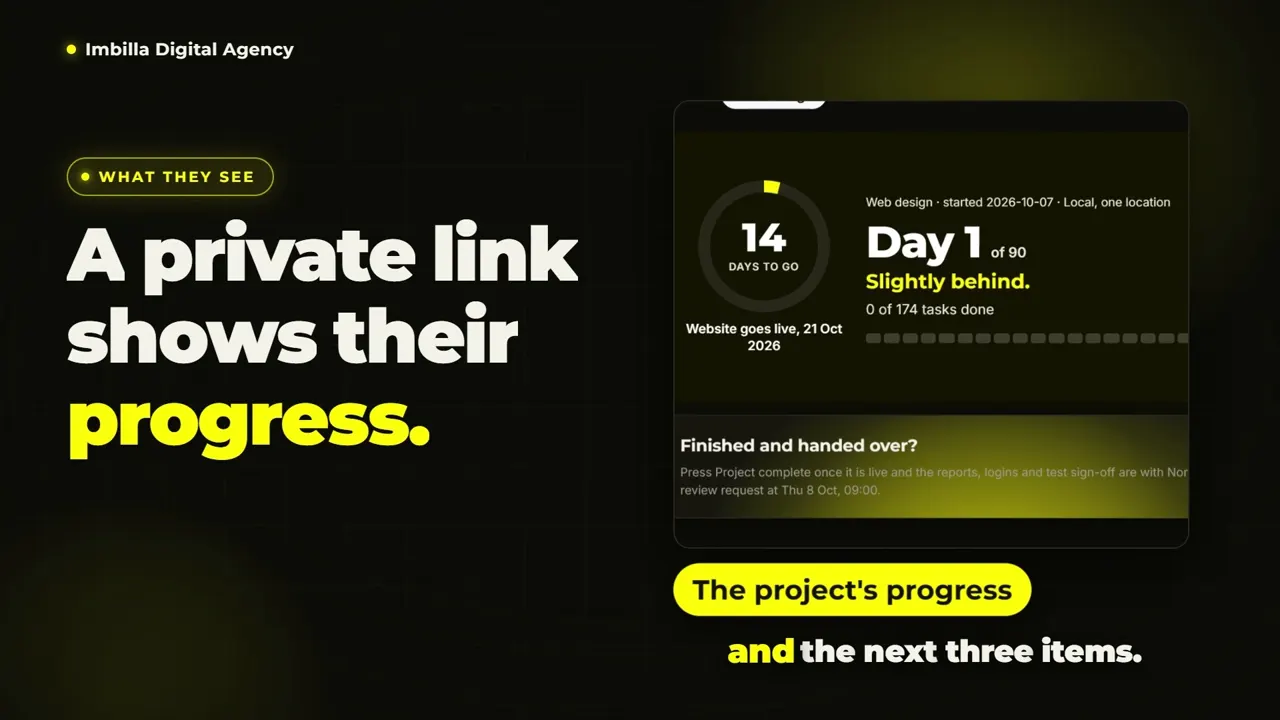
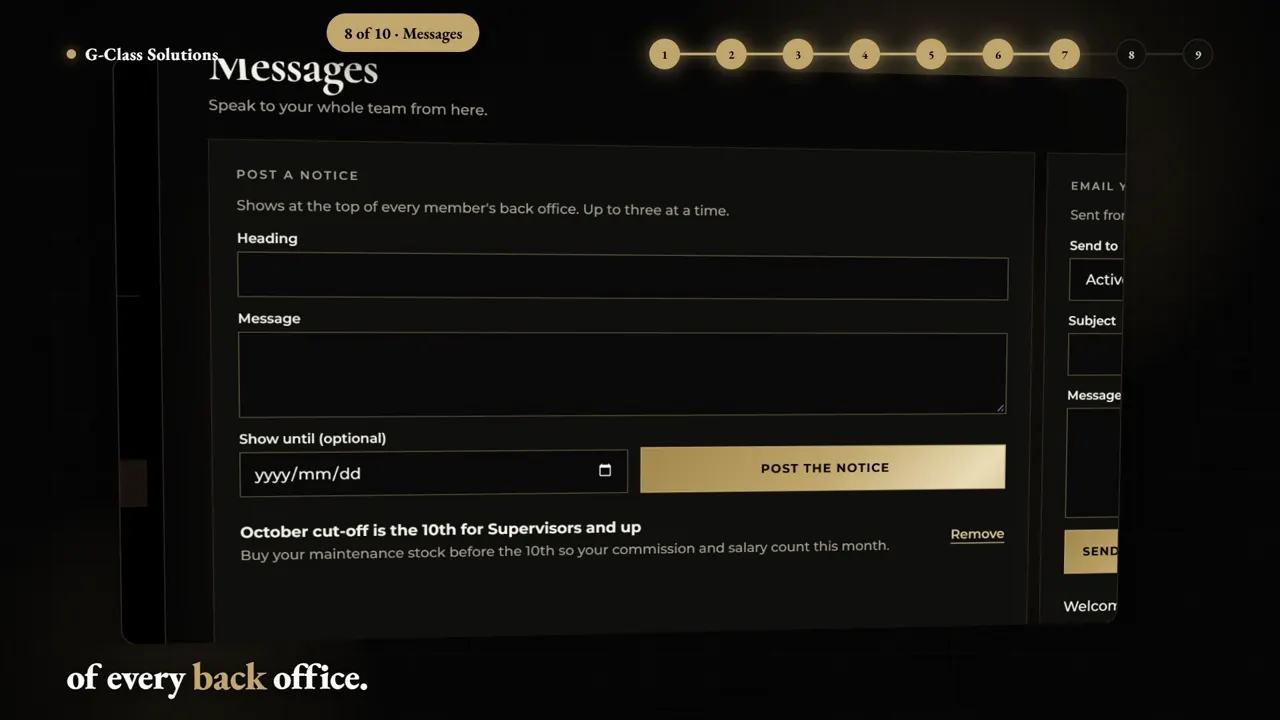
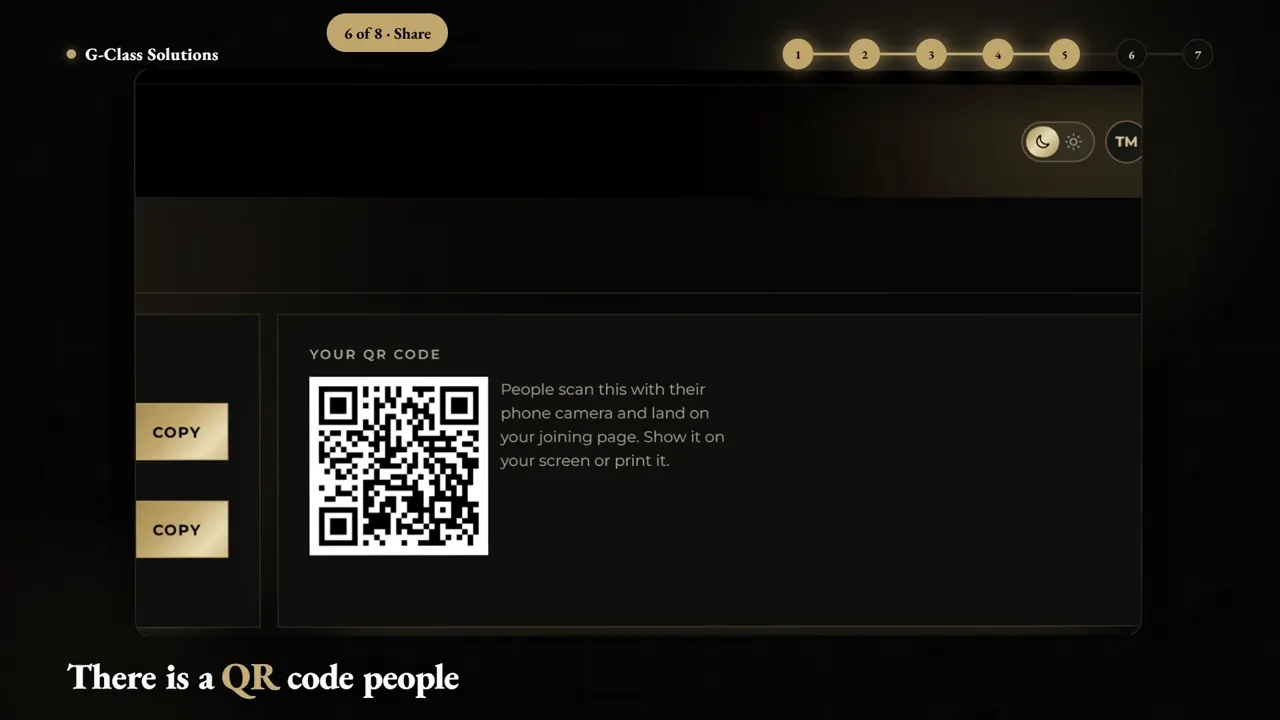
Own Your System is a 6:12 chaptered tour of our client hub. G-Class Solutions has an owner console walkthrough (4:01) and a back office walkthrough (2:37). The RMI Auto App walkthrough runs 12:26 with a presenter, recorded at 2560 x 1440.
Each of these films has a client, a system and a job to do. The G-Class Solutions films walk through the owner console and the back office; the case study tells the full story, with the build story film and its 7 shorts. G-Class Solutions case study.
Pick the right length for the job
Match the length to the viewer. A buyer gives you seconds, a new user gives you minutes, and a trained user wants the one chapter that answers today's question.
| Video | Typical length | Who watches it | Where it runs |
|---|---|---|---|
| Software ad | Up to 30 seconds | People who have never heard of you | Facebook, Instagram, TikTok, YouTube ads |
| App demo or explainer | Up to 60 seconds | Buyers comparing options | Landing page, app store, sales email |
| Extended walkthrough | Up to 2 minutes | New users and trial sign-ups | Onboarding email, help centre |
| Chaptered tour | Several minutes, with chapter markers | Users learning the whole system | YouTube, client portal |
| Chapter shorts | Short, vertical, one question each | Existing users with one question | WhatsApp, Reels, in-app tips |
| Full training walkthrough | Long form, quoted on the brief | Staff who must run the system | Internal training, LMS |
If you are unsure, start with the demo. A tight 60-second film forces the decision about which screens matter most, and that decision makes every longer walkthrough easier to script.
A common plan for a software launch: a 30-second ad to buy attention, a 60-second demo on the landing page and an extended walkthrough in the welcome email. The first two together cost R18,950 excl. VAT as our ad and explainer package. Video ads and promotional videos.
Price your app video in 60 seconds
Walkthroughs up to 2 minutes have fixed, published prices. Choose the video, add a presenter or a second-language voice, and download an estimate or a pro forma invoice before you speak to anyone. Longer walkthroughs are quoted on the brief, with a free script review and a written quote within 24 hours of a complete brief.
- Subtotal excl. VAT
- R22,950
- VAT at 15%
- R3,442
- Total incl. VAT
- R26,392
- Per video excl. VAT
- R22,950
- 75% deposit to start
- R19,794
Add your name so the invoice is made out to you.
The estimate is free to keep and compare. The pro forma invoice carries our banking details and a payment reference. Your details stay in your browser until you send us a brief.
Prices excl. VAT, from our published price list. Once-off projects: 75% deposit to start, balance on delivery. Monthly plans: paid upfront, month to month, extra videos R2,875 each. Logo animation, second-language voice-over and rush prices are new in November 2026.
- App explainer, R13,950
- Up to 60 seconds, about 3 weeks. The usual choice for a landing page or app store demo.
- Extended explainer, R22,950
- Up to 2 minutes, about 4 weeks. Built for onboarding, training and detailed walkthroughs.
- Ad and explainer, R18,950
- A 30-second software ad and a 60-second demo made together, about 4 weeks. Saves R1,950 against buying both separately.
- Longer walkthroughs
- Tours past two minutes, chaptered series and full training films are quoted on the brief, because the price depends on the number of screens and chapters. You get the written quote within 24 hours of a complete brief.
- Add-ons
- Presenter version R1,500 per video, isiZulu or second-language voice-over R1,500 per video, extra format R750 per video, rush delivery in half the time plus 25%. All excl. VAT. Motion graphics prices.
How we make a walkthrough from your live system
We work from your real software with a test account you give us. You approve the script before we record a single screen, so the order of the film matches the order your users work in.
- Brief and access
You tell us who the viewer is and what they must be able to do after watching. You give us a test login with realistic sample data.
- Script and click path
We write the voice-over and list every click in order. You approve it before design starts.
- Screen capture
We record the screens at full resolution, then zoom, crop and slow the moments that matter so a viewer on a phone can read them.
- Motion and voice
Captions, call-outs, chapter cards, your logo, colours and fonts, voice-over and licensed music.
- Revise and deliver
Two revision rounds, then final MP4 files in 16:9 and 9:16.
- Use a test account, never a live client record. Clean sample data reads better on screen and keeps your users' details out of the film.
- Freeze the interface for the recording week. A button that moves after recording means a re-record.
- Name one viewer. A walkthrough for a bookkeeper and one for a field technician are different films, even on the same system.
- Write the outcome first: what must the viewer be able to do when the film ends? We script backwards from that.
- Decide on the voice. A neutral voice-over ages well; a presenter adds a face and costs R1,500 per video, with written consent from the person.
One tour, twelve short clips
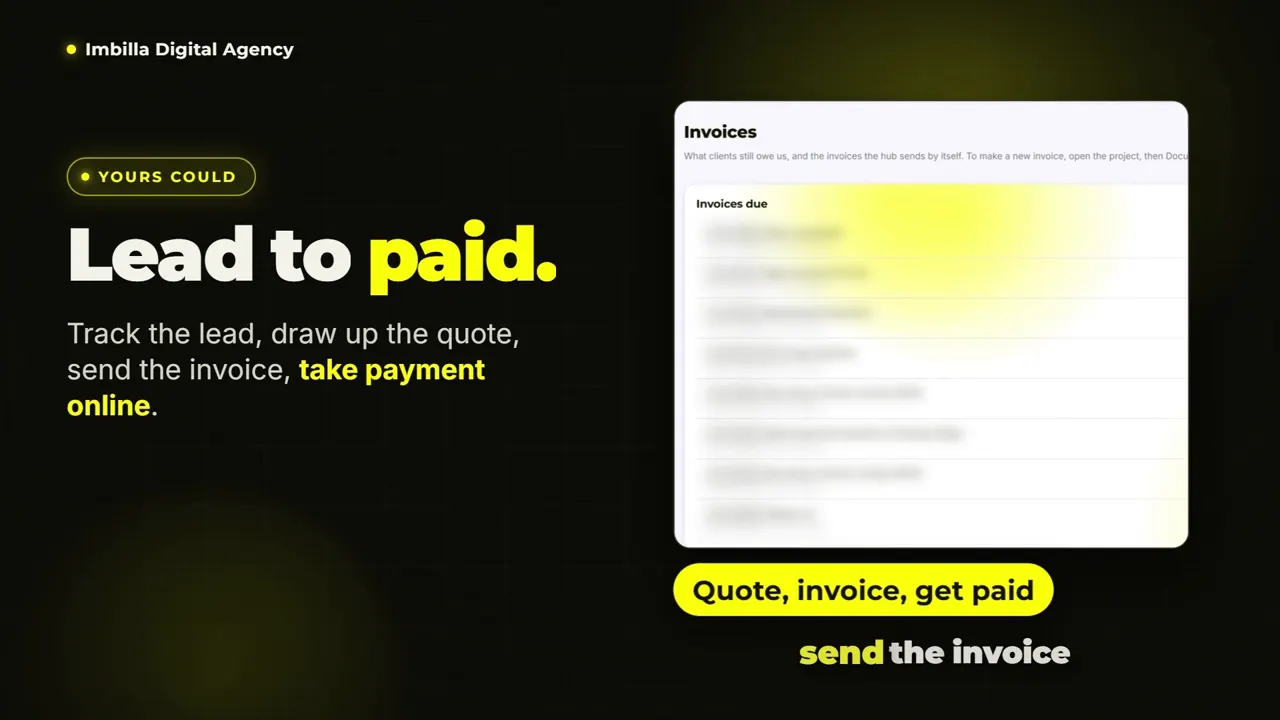
Plan your software videos as one project. Our Own Your System tour is chaptered, and it comes with a 1:17 trailer and 12 vertical chapter shorts.
 1:17
 0:34
 2:40
 0:26
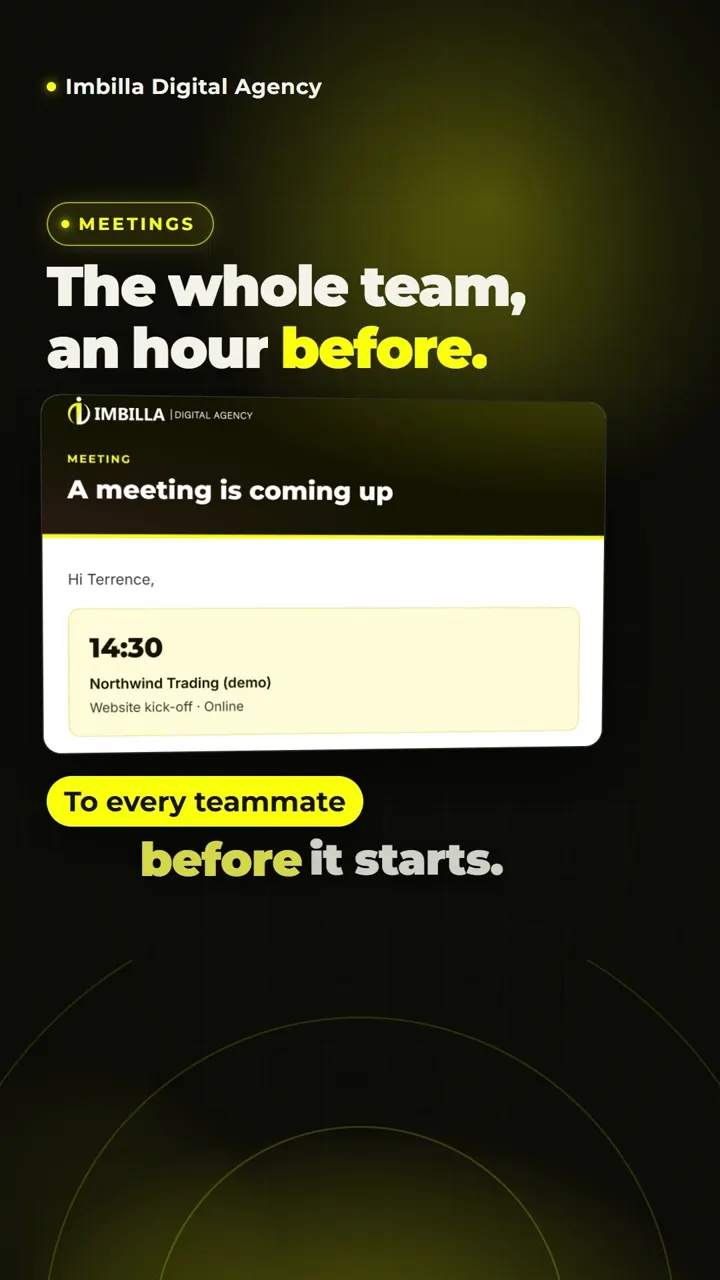
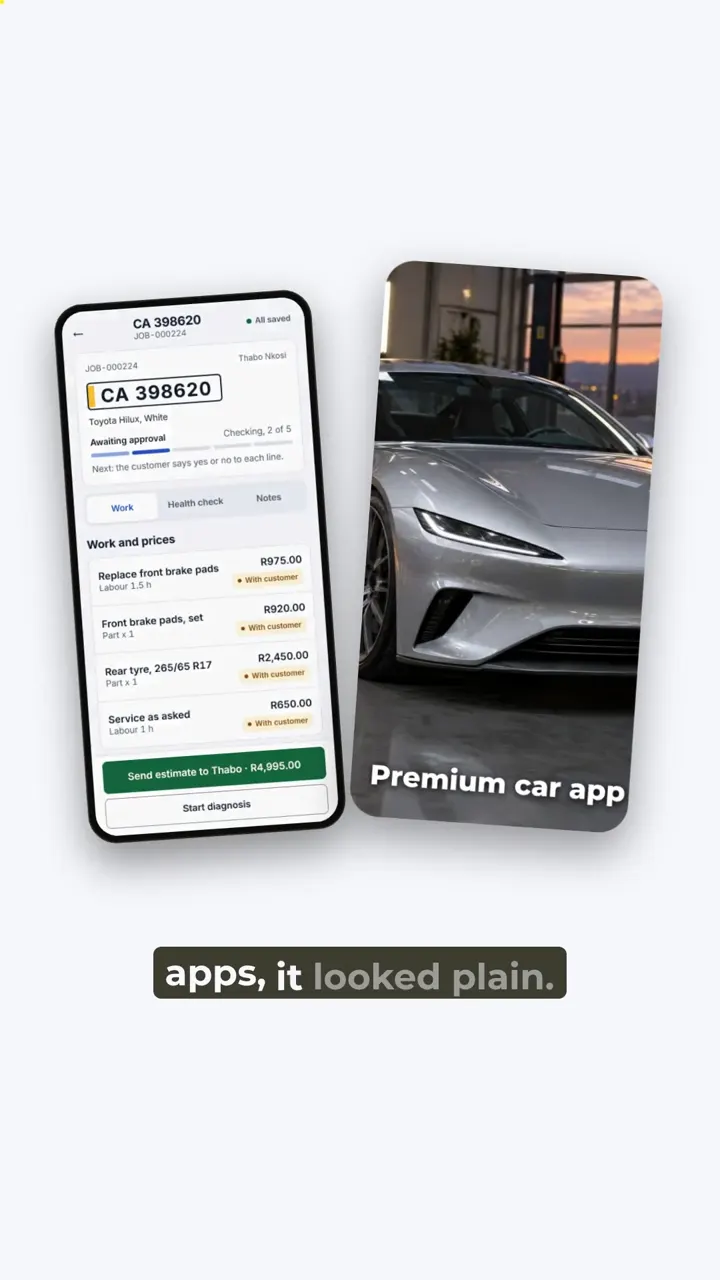
The Own Your System trailer (1:17) and its 12 chapter shorts (9:16). The RMI Auto App reel (2:40, 9:16) goes with the 12:26 walkthrough. The client hub on a phone (0:25, 9:16) shows the same system in a vertical frame.
Plan the chapters before the script, and every chapter can stand alone as a short. Ask for the shorts on the brief so we design the captions and framing for 9:16 from day one.
Inside a walkthrough script
A good walkthrough script reads like instructions a colleague would give you at your desk: one action per sentence, the button named exactly as it appears on screen, and the result shown before moving on.
Open with the outcome
The first ten seconds say what the viewer will be able to do by the end. People stay when they know the film answers their question.
One task per chapter
Create a job card, send a quote, approve a payment. Each chapter starts on a clear screen and ends on a finished task.
Name things as the screen does
If the button says Save draft, the voice says Save draft. Viewers match words to pixels, so a mismatch costs them time.
Zoom to the click
A full desktop screen is unreadable on a phone. We zoom into the field being filled and pull back to show context.
Show the error once
Show the most common mistake and how to fix it. That single moment answers a support question before anyone has to ask it.
Close on the next step
End each chapter by pointing to the next one, or to the help desk, the sign-up page or a WhatsApp number.
Mistakes that make software videos fail
Most weak software videos fail for the same few reasons, and all of them are fixed at the script stage, before anything is recorded.
- Feature lists
- A tour of every menu item tells the viewer what exists, not what they can get done. Script around tasks and outcomes, and leave rarely used settings for the help centre.
- One long film with no chapters
- A ten-minute walkthrough without chapter markers makes a viewer scrub through it to find their answer. Split it into one task per chapter and add markers on YouTube or in your help centre.
- Dummy data that looks fake
- Lorem ipsum and test names make a product look unfinished. Set up sample records that look like a real client's day: realistic names, amounts and dates.
- Voice and screen out of step
- If the voice describes a click before it happens, or after the screen has moved on, viewers lose their place. We time every line to the click it describes.
- No next step
- A walkthrough that ends on a blank screen wastes the moment the viewer is most ready to act. Close on the sign-up link, the next chapter or a WhatsApp number.
- Recording before the interface is final
- A redesign two weeks after recording means a re-record. If a release is close, schedule the film after it ships, or script the stable parts first.
Who needs software walkthrough videos
Anyone who sells or runs a system that people must learn. If you explain the same screens to every new user or staff member, a walkthrough does that explaining for you.
- Software founders
- A demo on the landing page and a walkthrough in the welcome email, so trial users reach the useful part of your product sooner.
- Businesses with a custom system
- Owner consoles, back offices and client portals. Our G-Class Solutions films walk through an owner console and a back office, one screen at a time. G-Class Solutions case study.
- Workshops and field teams
- The RMI Auto App walkthrough runs 12:26 through a workshop app with a presenter, recorded at 2560 x 1440 so the screens stay sharp.
- Tender and compliance tools
- The NSNP Tender Tool has a 30-second ad and a 60-second product film that walks through the tool step by step on tilted 3D screens. NSNP Tender Tool case study.
- Training and course teams
- Chaptered series where every chapter shares one design, one voice and one template. Training video production.
Long-form software films for YouTube
A film of six minutes or more works on YouTube when it is chaptered and every screen is readable. These two put real systems on screen, one for a public audience and one for a client's story.
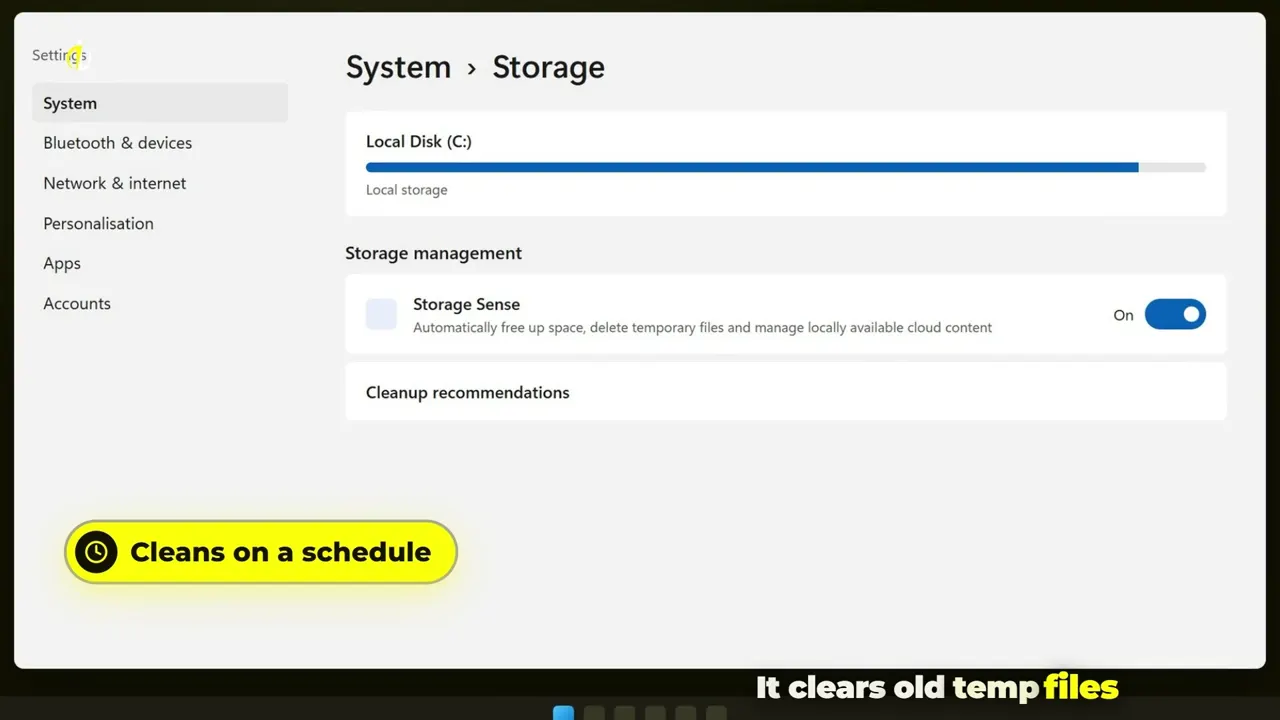 7:39
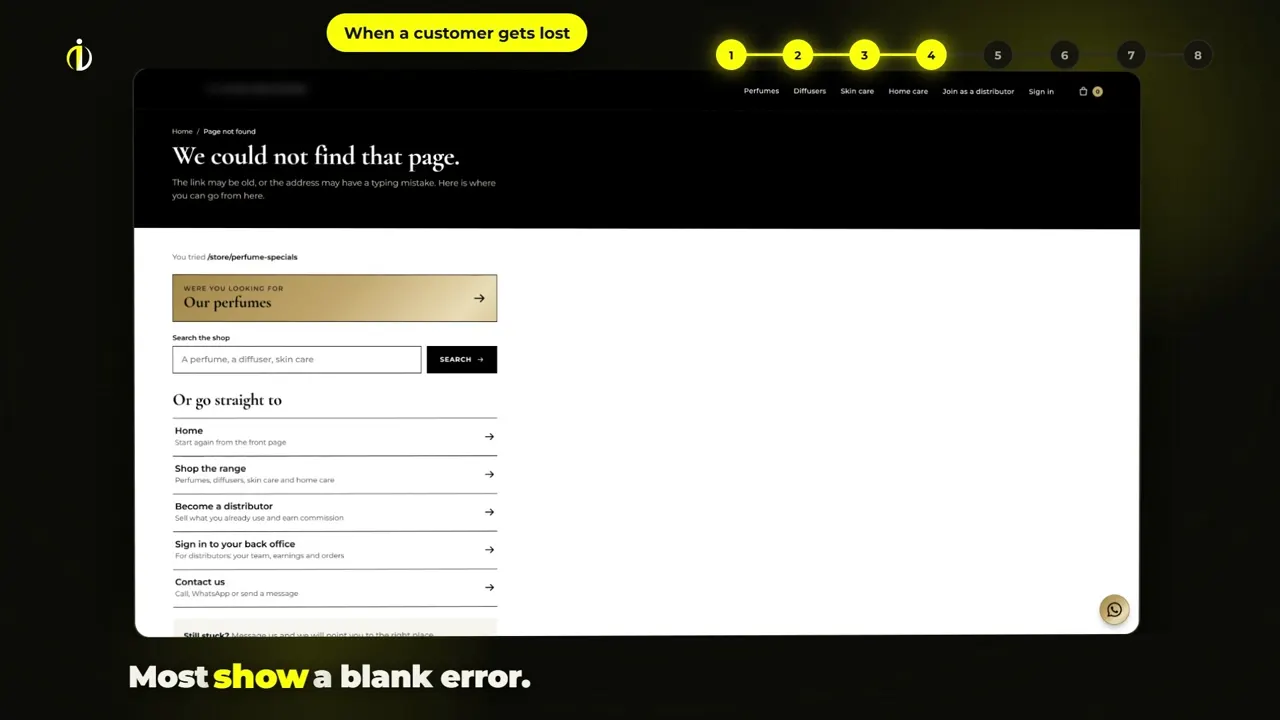 2:46
Fix your own laptop (7:39) puts our own operating system on screen for YouTube. The G-Class Solutions build story (2:45) comes with 7 shorts.
- Deposit to start, 75%R17,212.50
- Balance on delivery, 25%R5,737.50
Formats and files you receive
Every project comes in 16:9 and 9:16 as standard, so the same walkthrough plays on a desktop help page and on a phone.
| Format | Size | Use it for |
|---|---|---|
| 16:9 landscape | 16:9 MP4 | Website, YouTube, help centre, presentations |
| 9:16 vertical | 1080 x 1920 MP4 | Reels, TikTok, WhatsApp Status, in-app tips |
| Square | Extra format, R750 per video | Feeds and LinkedIn |
| Second-language version | R1,500 per video | An isiZulu or other voice-over over the same edit |
We tag AI tools where we use them. Voices and presenters can be made with HeyGen; the presenter shows a real person's likeness only with that person's written consent. Our team writes every script and checks every edit. Motion graphics in South Africa.
Send us your brief. Free script review and a written quote within 24 hours.
Tell us what you sell, who it is for and where the video will run. A person on our team reads every brief and replies on WhatsApp or email.
- You send the briefTwo minutes, no file needed.
- We review your script ideaFree, written, with what we would change.
- You get a written quoteWithin 24 hours of a complete brief.
Questions about app demo and walkthrough videos
How much does an app demo video cost in South Africa?
Our 60-second product or app explainer costs R13,950 excl. VAT and takes about 3 weeks. An extended walkthrough up to 2 minutes costs R22,950 excl. VAT. Longer tours and chaptered series are quoted on the brief, with a written quote within 24 hours of a complete brief.
What is the difference between an app demo video and a walkthrough?
A demo video sells: it shows a buyer the few screens that solve their problem in about a minute. A walkthrough teaches: it takes an existing user through the system in the order they will use it, often in chapters, so they can work without asking your team.
How long should a software demo video be?
Up to 60 seconds for a landing page or app store demo. Up to 2 minutes for onboarding a new user. Full training walkthroughs run longer and work best split into chapters of one task each, so a viewer jumps to the part they need.
Do you need access to our software?
Yes. We record your real screens, so we need a test account with realistic sample data. We do not need live client records, and you should keep them out of the test account. Freeze the interface during the recording week so the film matches what users see.
Can you cut short videos from one long walkthrough?
Yes. Our Own Your System tour is chaptered and comes with 12 vertical chapter shorts. Ask for shorts on the brief so we frame captions and screens for 9:16 from the start, rather than reframing a finished 16:9 edit.
How long does an app walkthrough take to make?
About 3 weeks for a 60-second app explainer and about 4 weeks for an extended walkthrough up to 2 minutes. Longer series get a schedule with the quote. Rush delivery in half the time is available for plus 25% of the order.
Can the walkthrough have a presenter or a different language?
Yes. A presenter version costs R1,500 per video and shows a real person's likeness only with their written consent. An isiZulu or other second-language voice-over version costs R1,500 per video over the same edit. Prices are excl. VAT.
What do we have to prepare before the brief?
Name the viewer, write down what they must be able to do after watching, and set up a test login. Send a list of the tasks or screens you want covered. If you have a help document or onboarding checklist, send it; it often becomes the chapter list. Use the brief form on this page or WhatsApp us on 031 205 0210.
Where can we use the finished walkthrough videos?
Anywhere you show your software: the website, a help centre, YouTube, onboarding emails, WhatsApp and social channels. You receive final MP4 files in 16:9 and 9:16, with licensed music. If you need a square version for feeds or LinkedIn, it costs R750 per video excl. VAT.
Do you work with software companies outside Durban?
Yes. We are based in Durban and work online with businesses across South Africa. Briefs, scripts, previews and approvals all happen online, and screen capture works from a test login, so no travel is needed.
Should an app demo video use real screens or animation?
Real screens, in almost every case. Viewers trust what they can match to the product they will log into. We add motion around the real interface: zooms, call-outs, captions, kinetic numbers and 3D screen angles, as in our NSNP Tender Tool film. Pure animation suits ideas that have no screen yet.